Everything You Need for Professional Imagery
From single-photo enhancement to enterprise batch pipelines, ImageSystems gives you the tools to transform every photo.
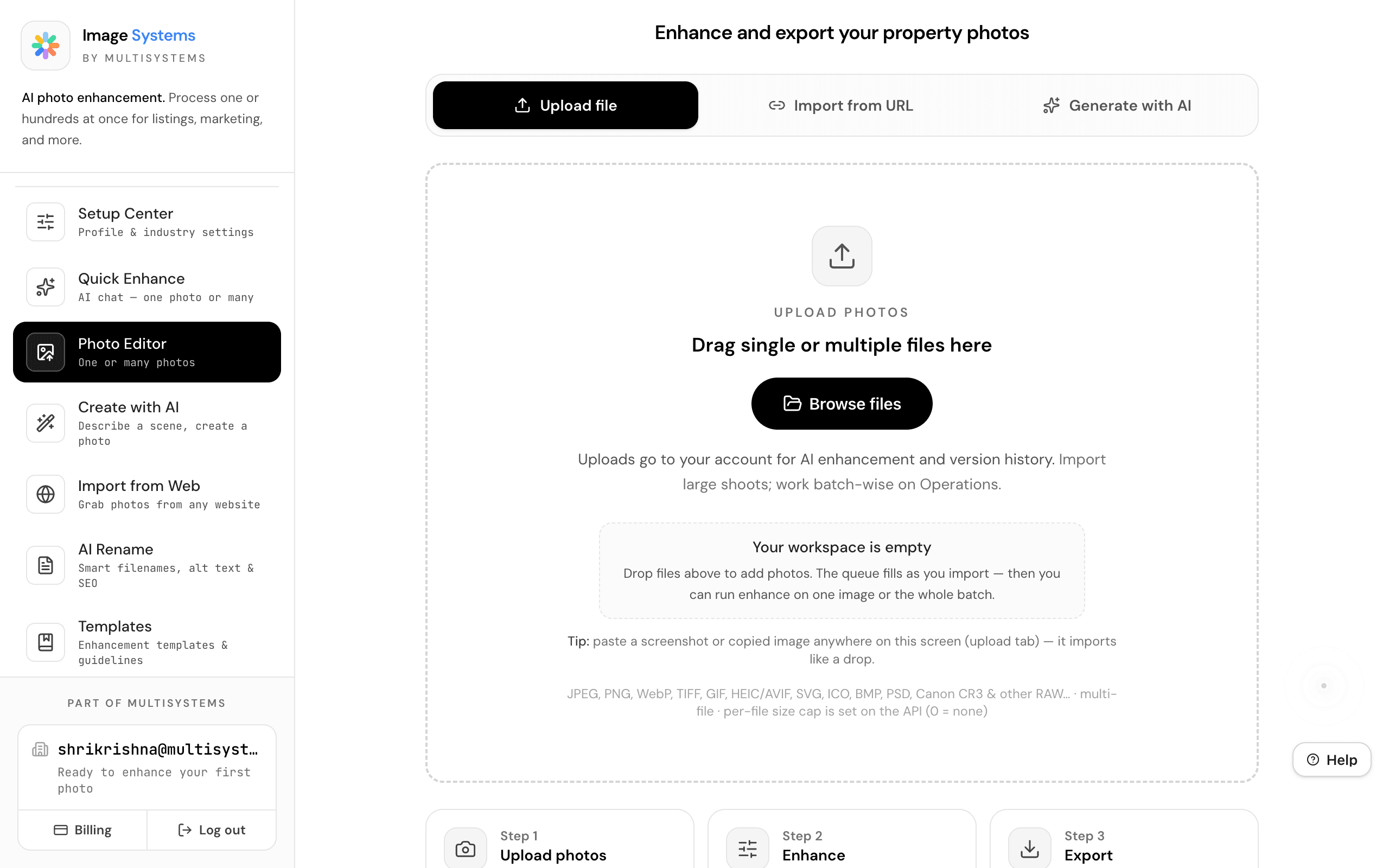
Photo Editor
One or Many Photos
Drop any image — JPEG, PNG, WebP, Canon CR3, RAW — and our AI pipeline transforms it into a professional-grade shot. Lighting correction, color grading, and detail enhancement in seconds. Process one photo or hundreds at once.
- Supports JPEG, PNG, WebP, TIFF, HEIC, PSD, Canon CR3 & RAW
- Single photo or multiple-photo batch mode
- Compare before/after side-by-side
Create with AI
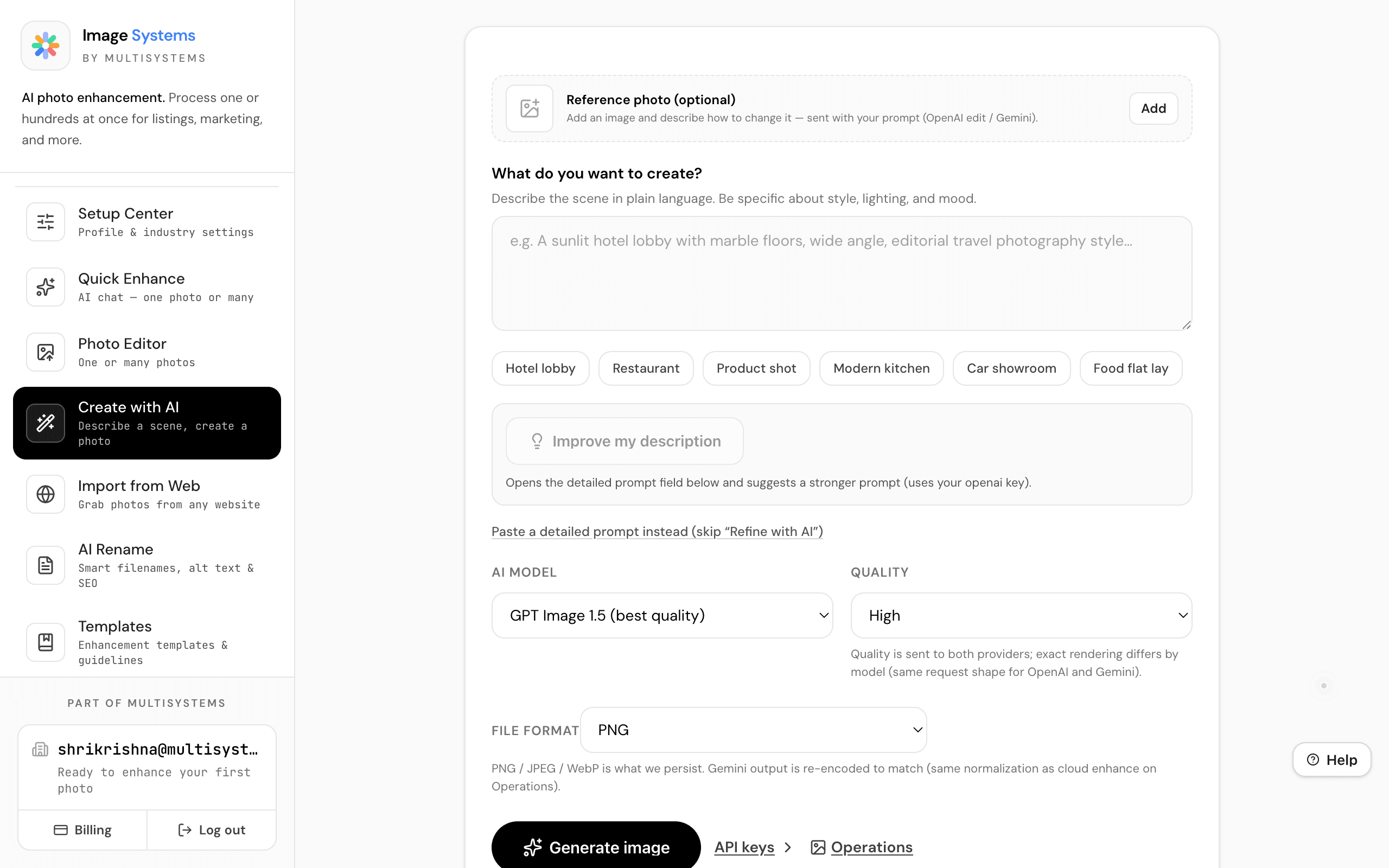
Describe a Scene, Create a Photo
Describe what you want in plain language — a sunlit hotel lobby, a modern kitchen, a product flat lay — and AI generates photo-realistic imagery. Choose between OpenAI and Gemini providers.
- Natural language scene description
- AI improves your description automatically
- Multiple providers: OpenAI & Gemini
Import from Web
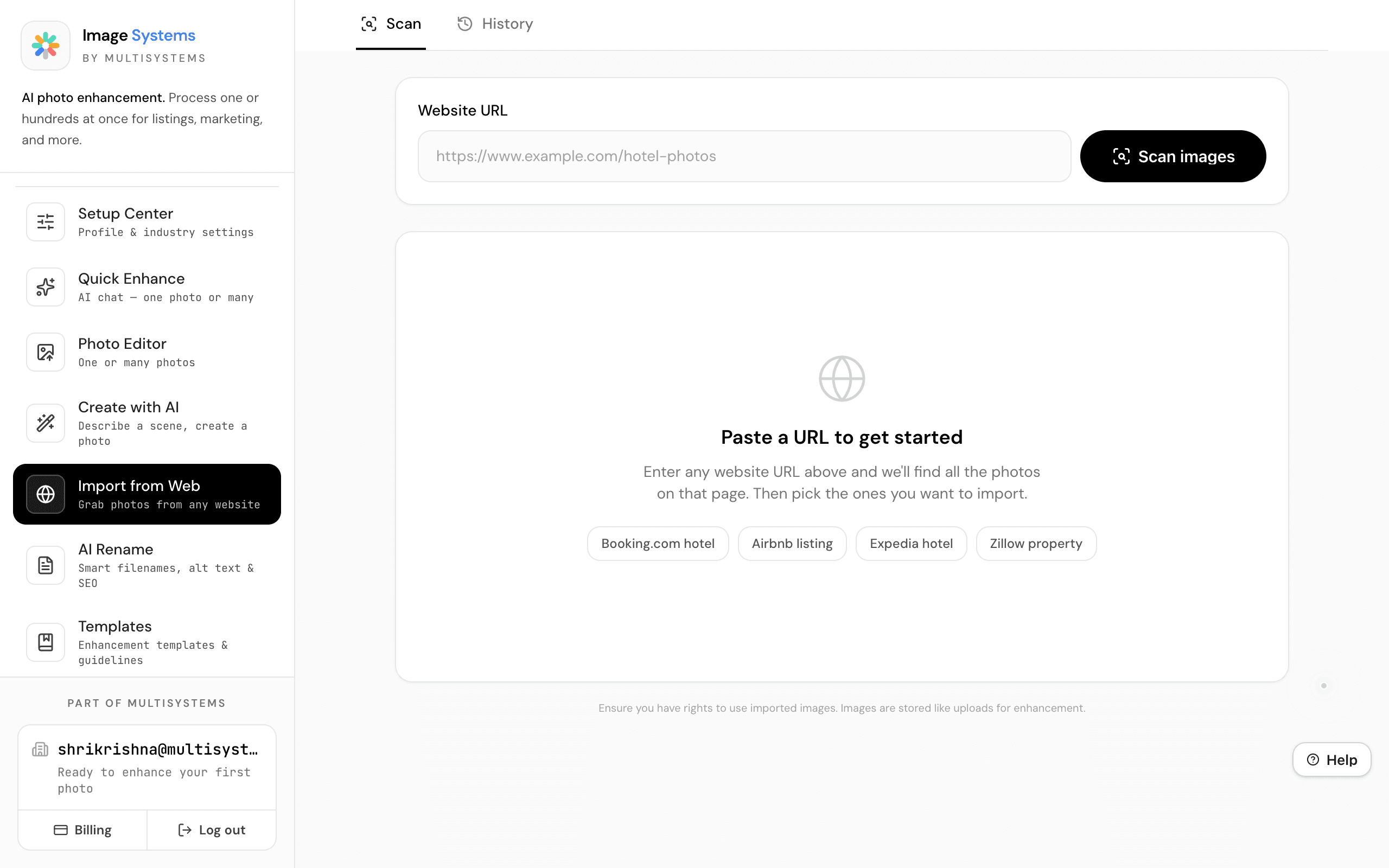
Grab Photos from Any Website
Paste any URL — Booking.com, Airbnb, Zillow, your own website — and ImageSystems scans the page for all images. Select which to import and enhance automatically.
- Scans any public page for images
- Enhanced scanning for JavaScript-heavy sites
- Batch import directly into your workspace
Enhancement Templates
103 Built-In Quality Guidelines
Browse 103 enhancement templates with built-in policy rules, allowed and forbidden behaviors, and Smart Mode ranking. Each template defines exactly what AI can and cannot change for a given scene type.
- 103 templates across real estate, hospitality, and more
- Policy rules: what AI can and cannot modify
- Smart Mode ranks templates by relevance
Plus More Powerful Tools
Saved Photos & Version History
Every enhanced photo is saved automatically. Re-edit or download for your listings, website, or clients. Full version history lets you compare and roll back.
Adaptive Workspace
The workspace learns your style over ~12 jobs, building a calibration confidence score. It auto-suggests better defaults for lighting, perspective, and upscaling — tuned to your industry.
4K/8K Upscaling
Upscale any image to 4K or 8K resolution using advanced AI upscaling. Perfect for print materials, large displays, and high-resolution exports. ~$0.04 per image.
Setup Center
Choose your industry — Real Estate, Restaurants, E-Commerce, Automotive — and get customized enhancement presets, lighting options, export formats, and AI suggestions from day one.
Quick Enhance
A conversational AI interface for photo enhancement. Type commands like 'make it brighter' or 'run batch' — the AI handles the rest. Works with single photos or batches of up to 9,999.
AI Rename & SEO Metadata
Generate SEO-optimized filenames, WCAG-compliant alt text, and keyword metadata for up to 200 images at once. Vertical-aware templates for real estate, hospitality, food, and automotive.
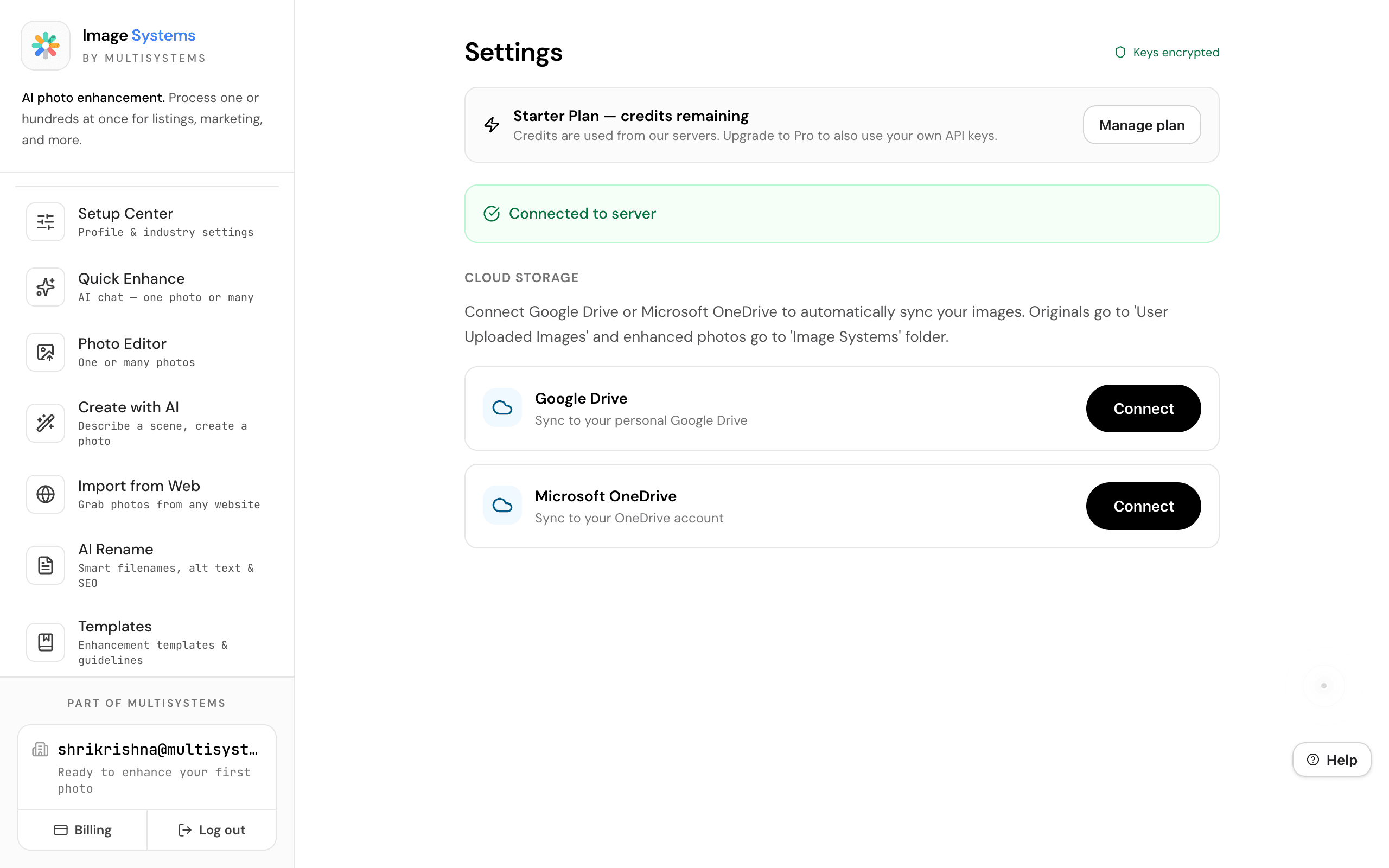
Google Drive & OneDrive Sync
Connect Google Drive or Microsoft OneDrive to automatically sync your images. Originals go to one folder, enhanced photos to another — keeping your cloud storage organized.
Integrations
Connect your own API keys or use plan credits automatically.
OpenAI
Photo enhancement & AI image generation
Google Gemini
Alternative enhancement & generation. Free tier available.